HOW IT WORKS

Compare a market.
Review the order.

Find a market, compare its rules and see the full cost at your order size before you sign.

Merged books interface
STEP 01

Merged books

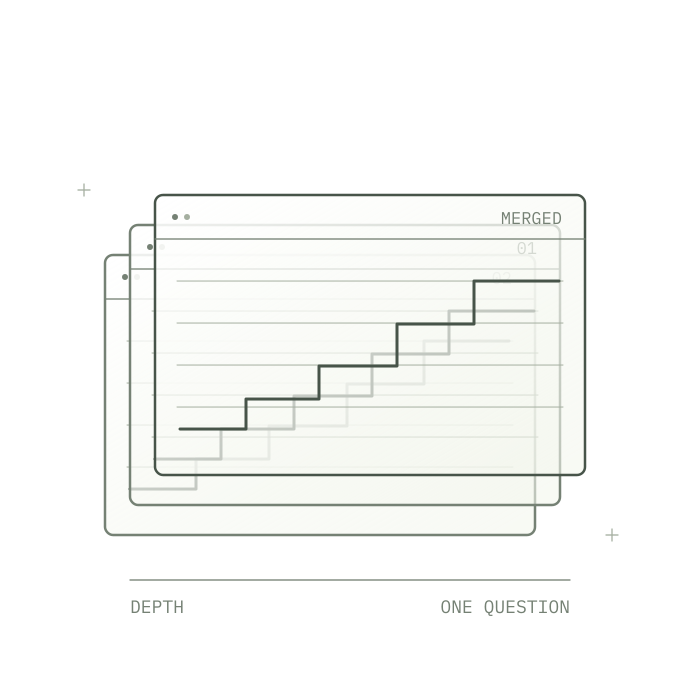
Compare the books of matching outcome markets across deployers. Each price level keeps its deployer label, and markets whose settlement rules differ stay separate. The ticket walks the merged book to show what fills at your size.

EXPLORE MERGED BOOKS
Fair lines interface
STEP 02

Fair lines

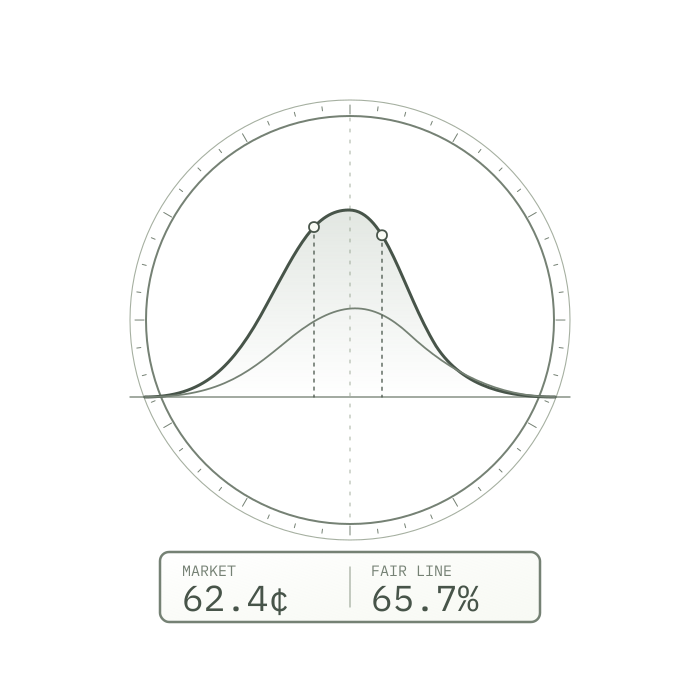
A fair line is an estimated probability to set against the market price. Price markets draw on options surfaces from Deribit, Bybit and CBOE and on Hyperliquid perp marks. Sports and events draw on Polymarket and Kalshi markets whose rules grade Same. Every line shows its sources, its age and a band.

EXPLORE FAIR LINES
Rule grades interface
STEP 03

Rule grades

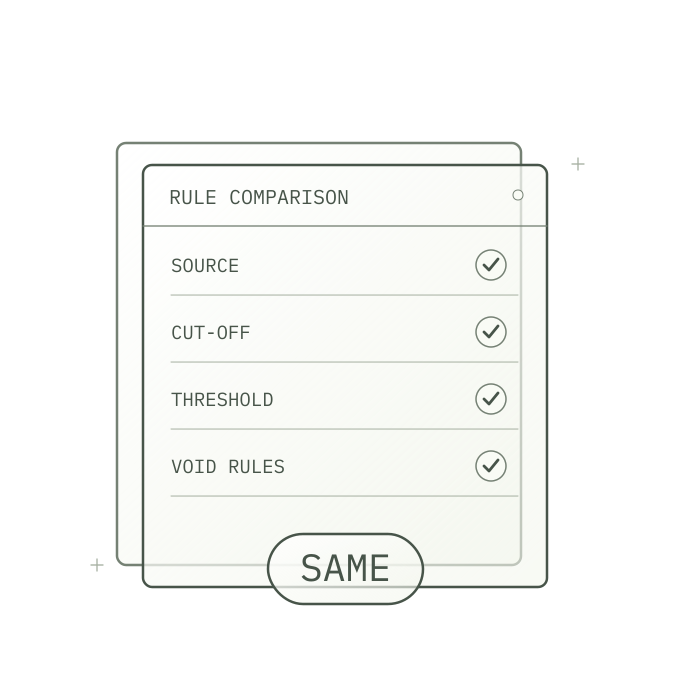
Compare the resolution source, cut-off time, threshold (and whether the threshold itself counts), postponement and void handling of two markets. Same, Close and Different describe how closely the written rules match; two venues can still settle a Same pair differently.

EXPLORE RULE GRADES
Order routing interface
STEP 04

Order routing

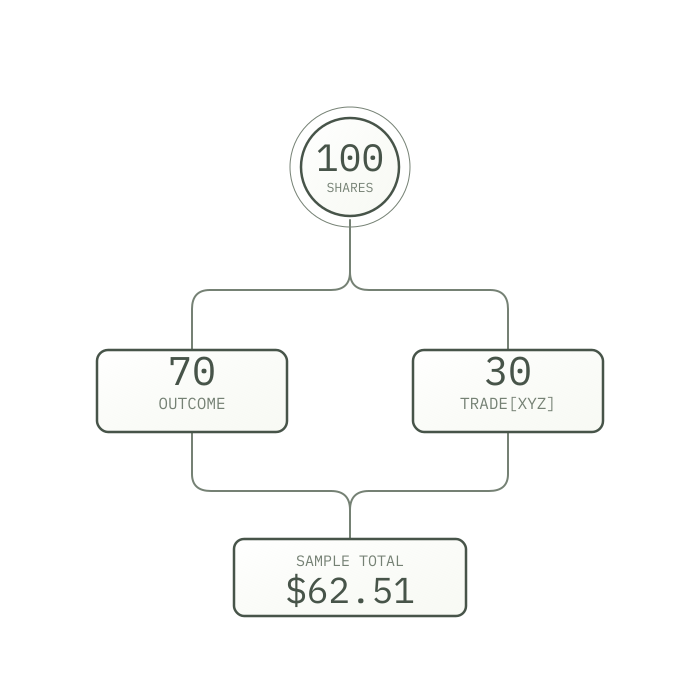
Choose buy or sell, the outcome, the size and a limit price. The ticket shows how the order splits across deployers, the average fill, the price impact and every fee before you confirm it; this browser's trading key then signs it. Post-only is the default, so an order rests at your limit unless you switch to Immediate.

EXPLORE ORDER ROUTING

Open a market.
Review the costs.

Compare live prices, settlement rules and the cost of your order.